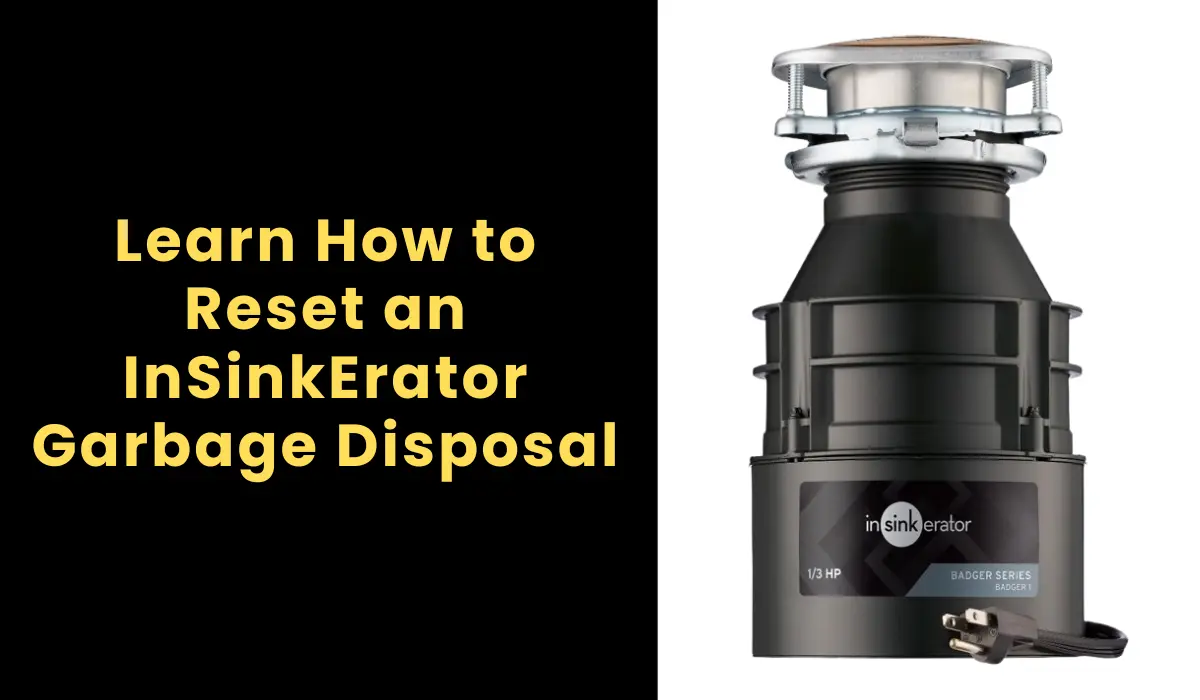
How to Reset an InSinkErator Garbage Disposal
The InSinkErator garbage disposal reset button is a thermal overload protector. When the motor overheats, jams, or overloads, this button pops out automatically to cut power. Pressing it back in restores operation.
How to Locate the Reset Button on InSinkErator Models
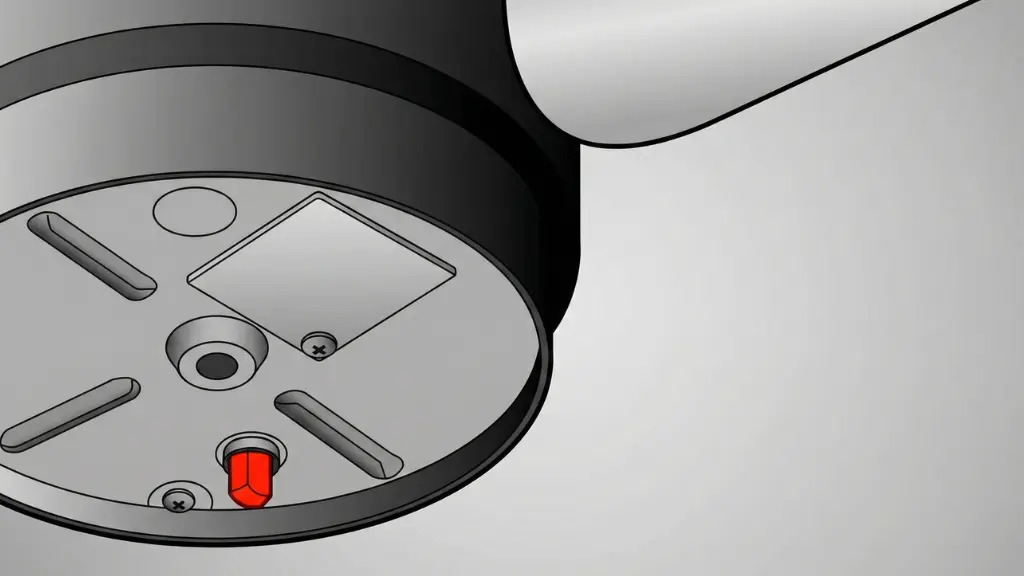
Bottom of the disposal, near the center. It is a small red button (some newer models use black). Look underneath the unit with a flashlight. On Badger series models, the button may be slightly recessed.
The reset button is always on the exterior underside — not inside the grinding chamber.
How to Reset an InSinkErator Disposal
- Turn off the power — flip the wall switch off. Unplug the disposal if it has a cord, or switch off the circuit breaker for hardwired units.
- Wait 3-5 minutes — let the motor cool if it was running or humming before it stopped. A hot motor will trip the reset button again immediately.
- Check for jams — look inside with a flashlight. Remove any visible debris with tongs. If the disposal was humming before it stopped, something is likely jammed.
- Press the reset button — push it firmly inward. It should stay depressed with a click. If it pops back out immediately, the motor is still too hot or a jam remains.
- Restore power — plug back in or turn on the breaker.
- Run cold water, then turn on the disposal to test.
what if the Reset Button Won’t Stay In
If the button pops out immediately after pressing:
Motor still hot: Wait 10-15 minutes and try again. The thermal protector will not reset until the motor cools.
Jam still present: Insert a 1/4″ Allen wrench into the hex socket on the bottom center of the disposal. Turn back and forth until the grind plate rotates freely through a full 360°. Then press reset.
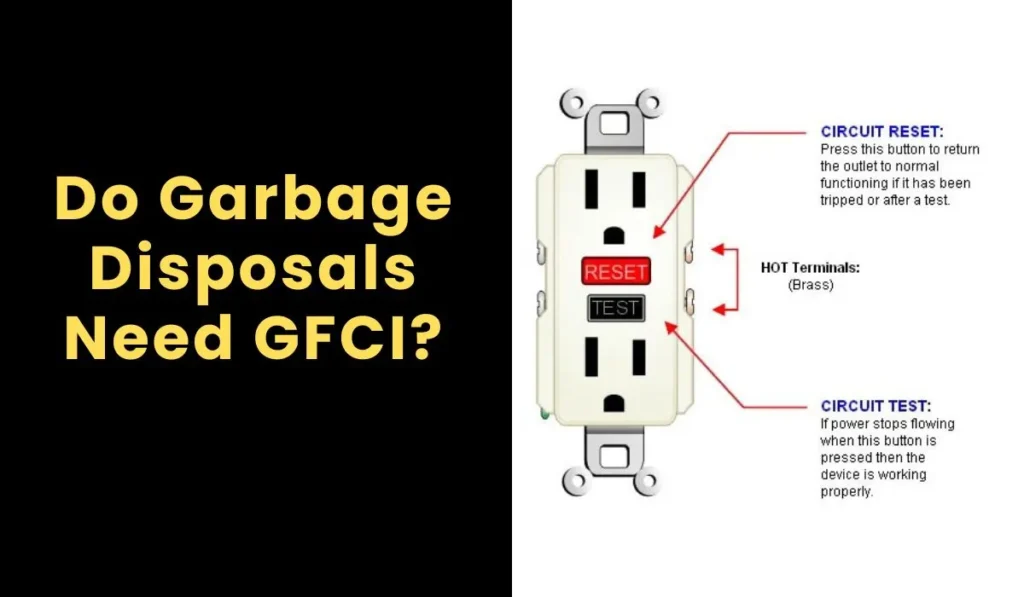
Electrical issue: If the motor is cool, no jam is present, and the reset still will not hold — check the GFCI outlet (press its “Reset” button) and the circuit breaker. Test the outlet with another appliance. If power is confirmed and the reset still fails, the motor or internal wiring has likely failed.
Common Causes for Needing a Reset
| Trigger | What Happened | Prevention |
|---|---|---|
| Motor jam | Hard object or food wedged between impeller and grind ring | Feed food gradually; avoid bones, pits, utensils |
| Overheating | Disposal ran too long or processed tough food continuously | Limit continuous run time; use cold water |
| Overloading | Too much food fed at once | Feed in small amounts |
| Power surge | Electrical spike tripped the overload | Use a GFCI or surge protector |
When Resetting the disposal Is Not Enough
Replace the disposal if:
- The reset button trips every time you use the disposal (motor failing)
- You smell burning from the motor area
- The unit hums but does not spin after clearing all jams
- Water is leaking from the bottom (internal seal failure)
- The unit is 8+ years old with recurring problems
For replacements, see our best garbage disposals.
Conclusion
Now you know how to reset an InSinkErator garbage disposal without calling in a pro. Turn off the power, wait for the motor to cool, clear any jam, press the red button firmly until it clicks, restore power, and test. That is the complete reset process for any InSinkErator model. If the button will not stay in after cooling and clearing jams, the motor is likely failing.
FAQ’s
The Author

Muhammad Nabeel Dar is the founder of GarbageWasteDisposal.com, where he researches and evaluates garbage disposals, kitchen sinks, dishwashers, and kitchen drain systems to help homeowners make confident buying decisions.
After analyzing 30+ garbage disposal models, multiple sink configurations, and a wide range of drain system components across brands like InSinkErator, Waste King, Moen, GE, Frigidaire, and KRAUS, he focuses on what actually matters: real-world performance, build quality, noise levels, installation ease, durability, and overall value.