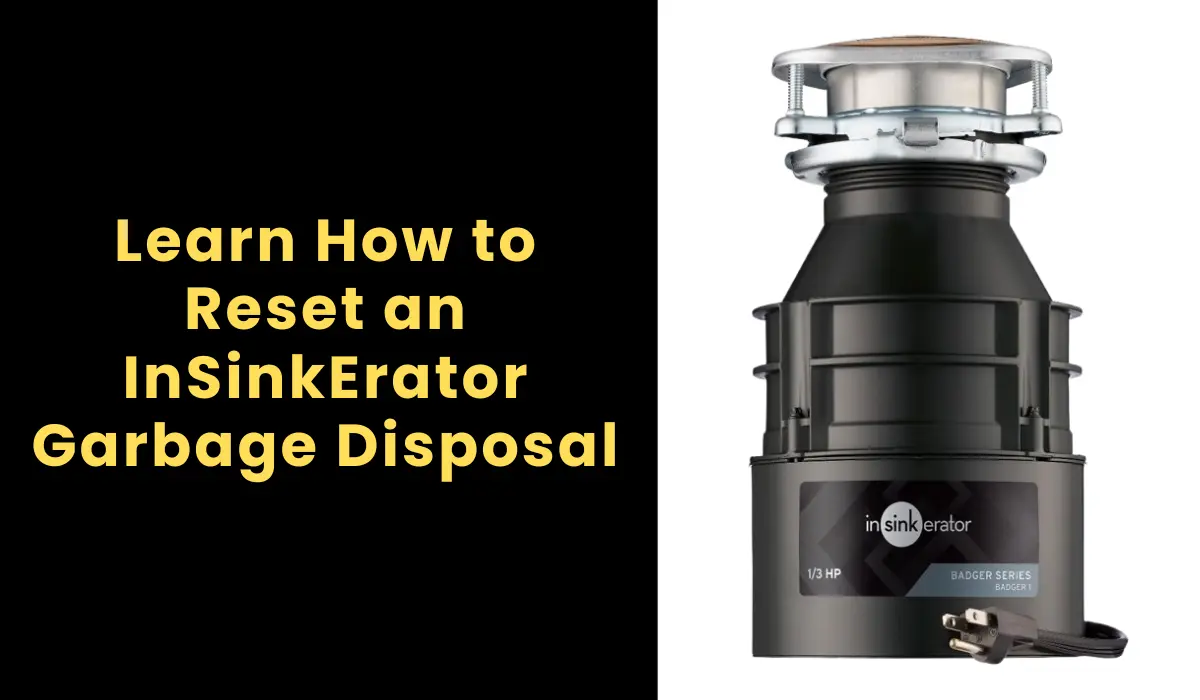
How to Reset an InSinkErator Garbage Disposal
A garbage disposal is one of those kitchen helpers you don’t think about until it suddenly stops working. If your InSinkErator garbage disposal has suddenly gone quiet, jammed, or just won’t turn on, don’t panic—most times, the fix is as simple as hitting a reset button. This guide walks you through how to reset an InSinkErator garbage disposal safely and properly, without calling a plumber or spending extra money.
Understanding How an InSinkErator Works
An InSinkErator garbage disposal breaks down food waste into tiny bits using spinning impellers and a grinding ring. These units typically include a reset switch, a small red or black button located at the bottom of the disposal. When the motor overheats or jams, the reset button trips to prevent damage. It’s a safety feature built to protect the motor from burning out during clogs or electrical issues.
The unit also connects to a dedicated electrical circuit, usually under the kitchen sink, and may be wired directly or plugged into a wall outlet. If your unit suddenly stops mid-use, chances are good it needs a manual reset, not a full repair.
How to Locate the Reset Button on InSinkErator Models
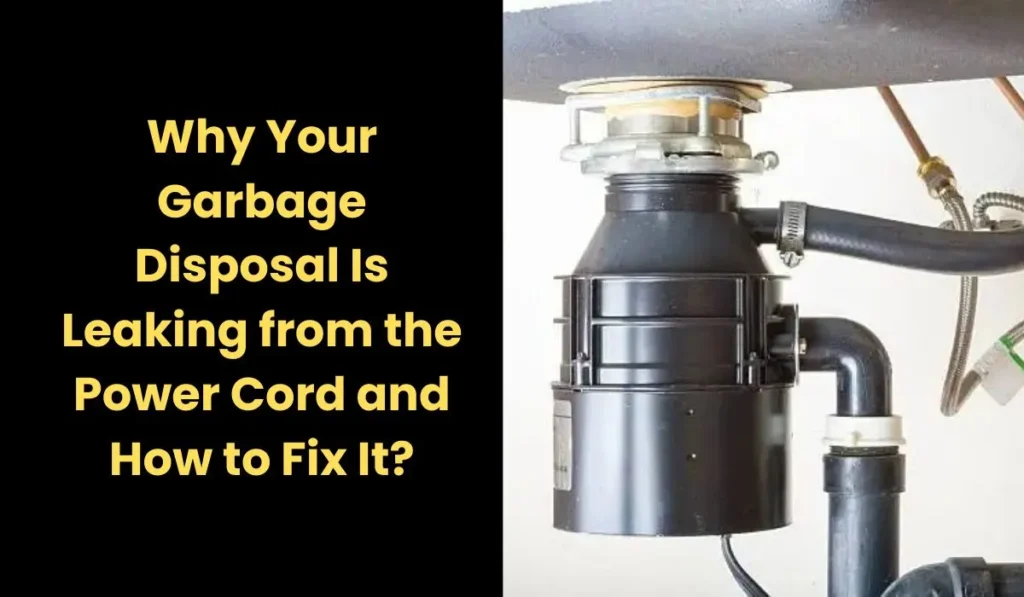
The reset button on most InSinkErator models is located underneath the disposal unit. It’s usually red, although some newer models may use black. You’ll find it near the center of the unit’s bottom panel, next to where the power cable enters the base.
If you’re struggling to find it, use a flashlight. In some models like the InSinkErator Badger series, the button may be slightly recessed. Feel gently underneath with your fingers if the button isn’t immediately visible.
Step-by-Step Instructions to Reset an InSinkErator Garbage Disposal
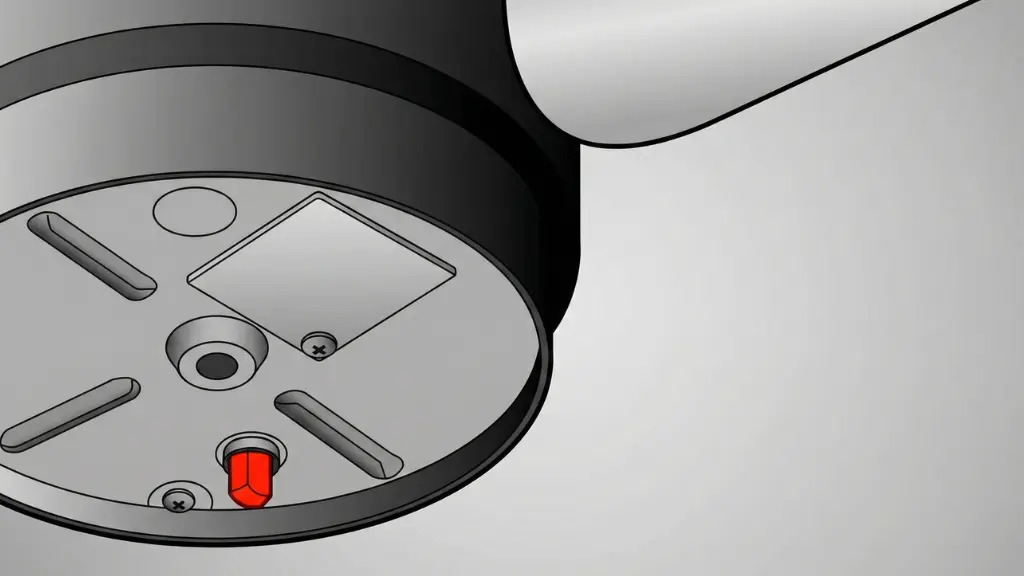
Once you’ve identified the reset switch, here’s exactly how to safely reset your InSinkErator:
- Turn off the power. Flip the wall switch to OFF and unplug the disposal if it has a cord. If hardwired, switch off the breaker from your electrical panel.
- Wait a few minutes. Give the motor time to cool, usually about 3 to 5 minutes.
- Press the reset button. Push the button firmly. If it stays in, the reset has been accepted. If it pops back out, there’s still a blockage or the motor is too hot.
- Run water into the sink. After pressing the reset button, turn the cold water on.
- Turn the disposal back on. Plug it in or flip the breaker back. Then test the switch to see if the unit runs.
If the unit hums but doesn’t grind, it may be jammed. In this case, you’ll need to manually rotate the impellers using a hex key inserted into the hole at the bottom center.
Common Reasons Your Disposal Needs Resetting
There are several reasons why your InSinkErator might shut off unexpectedly. Overloading the disposal with fibrous or starchy food scraps can cause a jam. Sometimes, foreign objects like utensils or bones find their way in. In other cases, running it too long can overheat the motor. Each of these causes can trip the thermal overload protector and deactivate the unit to prevent damage.
Resetting your disposal not only restores functionality but also helps diagnose potential problems. If it frequently shuts off, you may need to review how you use and maintain the unit. Continuous resets are often a warning sign.
What to Do if the Reset Doesn’t Work
If the garbage disposal reset button keeps popping out, it means the problem hasn’t been resolved. A serious jam, worn-out motor, or even a damaged circuit breaker could be the root cause. You might also check for worn wiring or loose wire connectors in the power box underneath the sink.
For safety reasons, never insert your hand inside the disposal. Instead, use tongs or pliers to remove visible debris and use a wooden spoon handle or Allen wrench to rotate the flywheel.
Here’s a quick troubleshooting chart for common issues:
| Issue | Likely Cause | Solution |
|---|---|---|
| No sound, no power | Tripped reset or blown breaker | Press reset button, check circuit |
| Humming sound, but no grinding | Jammed impeller | Use hex wrench to manually rotate |
| Unit turns on then off quickly | Overheating or overloaded | Let cool and reset again |
| Water backing up | Clogged drain | Use baking soda/vinegar or plunger |
When to Call a Professional
If your InSinkErator garbage disposal continues to malfunction after multiple resets, it’s time to consider calling a licensed technician. Electrical issues, such as constant breaker trips or sparking, require immediate professional attention. Additionally, if water is leaking from the bottom, it could indicate a cracked internal chamber, which isn’t repairable.
Most InSinkErator models come with warranty coverage ranging from 2 to 8 years depending on the unit. If you’re within the warranty period, you may qualify for a free repair or replacement. Contact InSinkErator support or the retailer where you purchased your unit.
Further Reading:
Moen Garbage Disposal Reset Button Location & How to Reset It
What Is a Hex Key and How to Use It
How to Recycle an Old Garbage Disposal
Do Garbage Disposals Have Blades?
Conclusion
Now you know how to reset an InSinkErator garbage disposal without calling in a pro. Just locate the reset button, follow the safety steps, and you’ll be back to grinding waste in no time. Most issues are minor and can be handled within minutes.
But don’t forget: if your disposal is constantly needing a reset, it might be time to change how you use it—or consider a more powerful unit. Keep your InSinkErator clean, clear, and reset-free for years to come.
The Author

Muhammad Nabeel Dar is the founder of GarbageWasteDisposal.com and an SEO researcher focused on creating informational resources about garbage disposals and kitchen appliances. His work involves researching appliance performance, analyzing user questions, and structuring helpful guides that simplify complex kitchen appliance topics. Through this website, he shares researched insights to help homeowners better understand appliance maintenance, product comparisons, and everyday kitchen solutions.